Screenshots
Dashboard — parcel detail
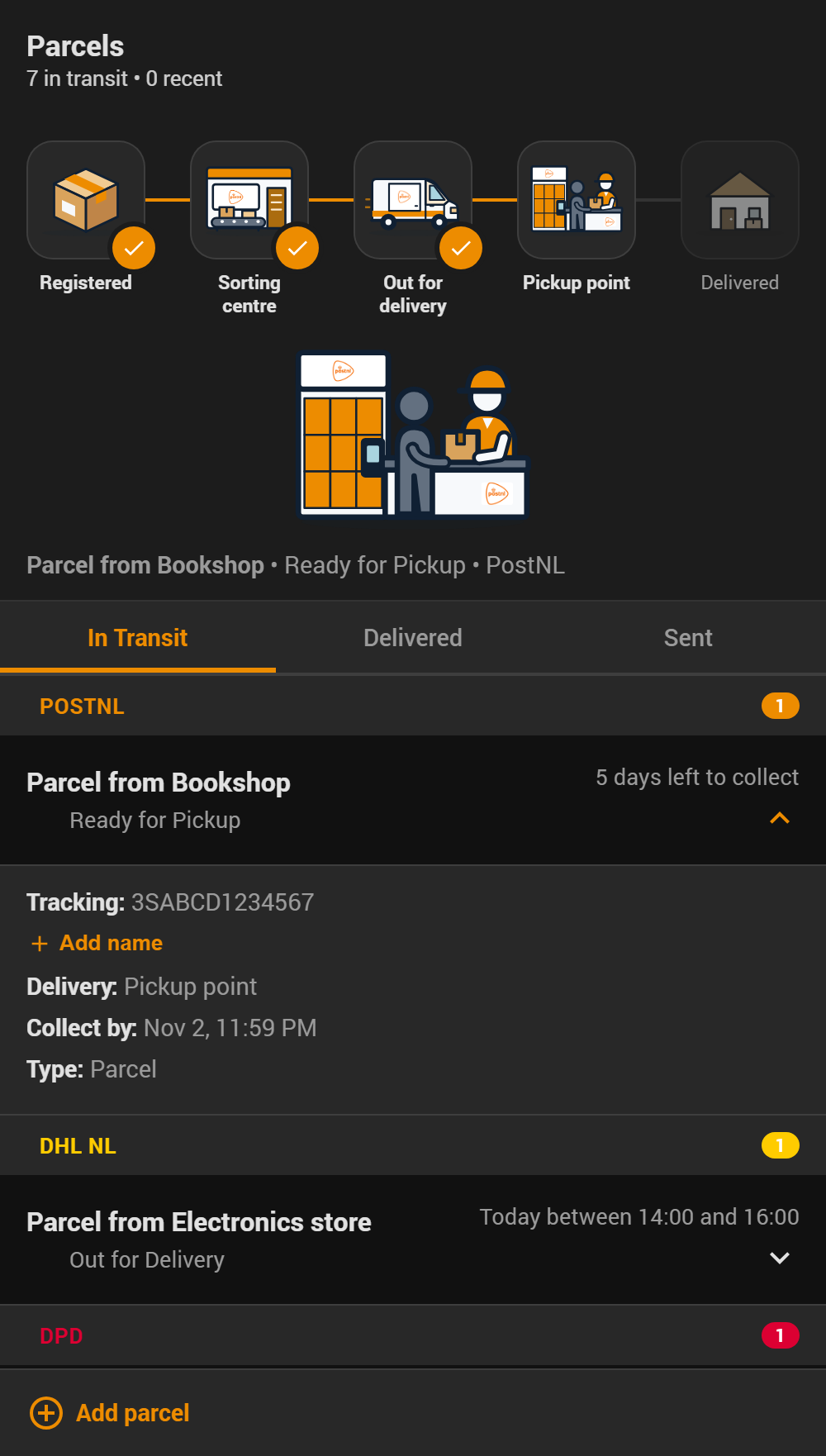
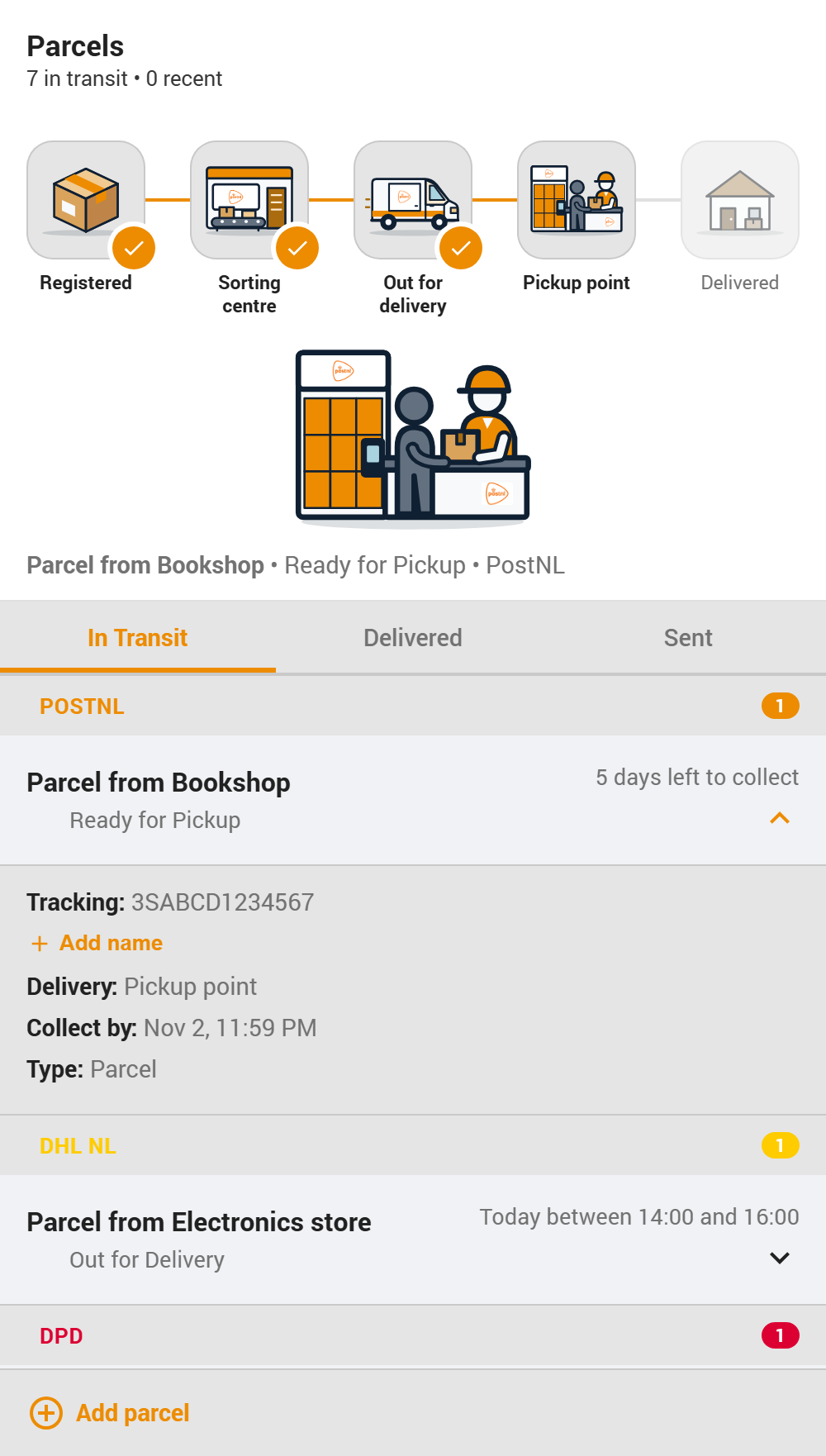
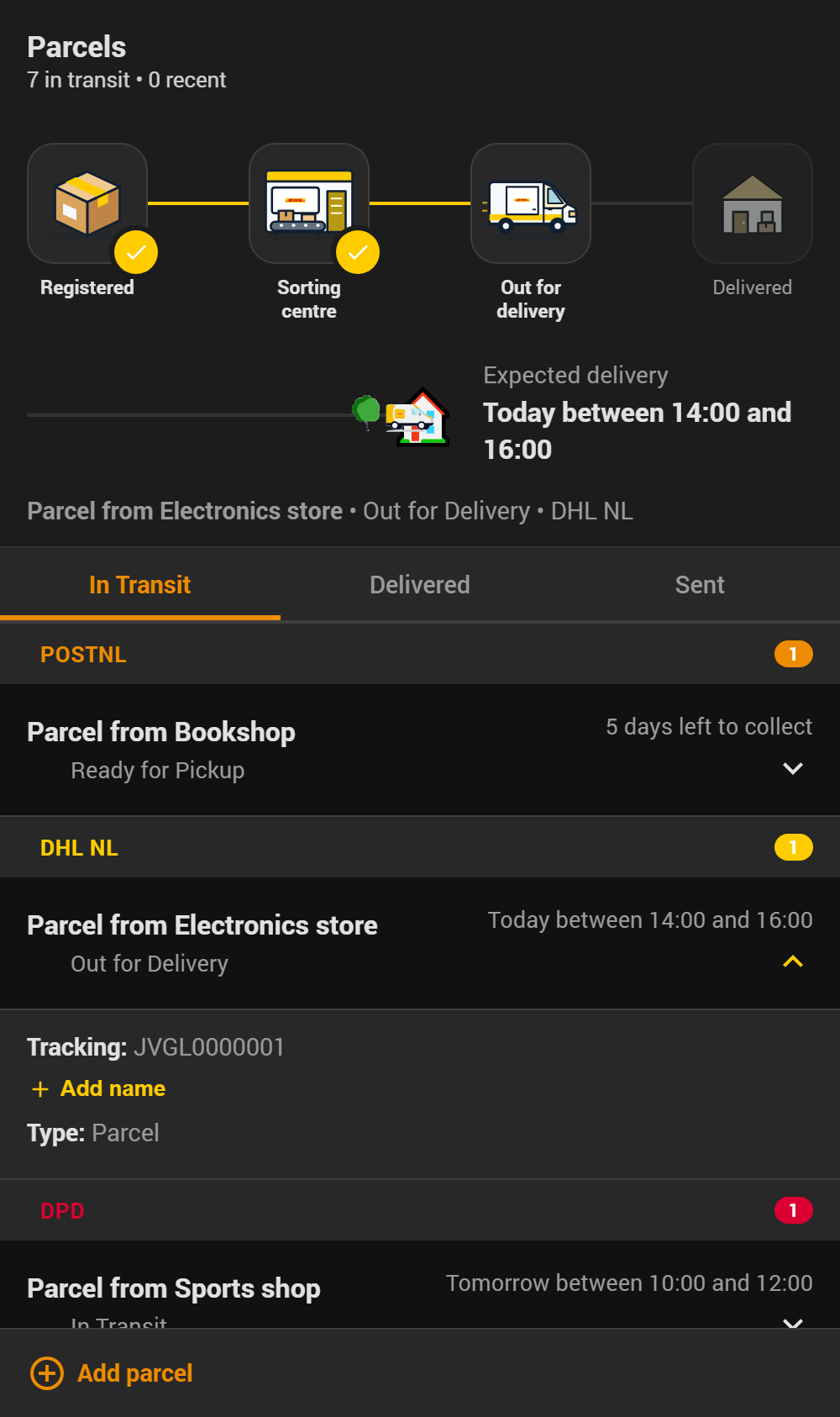
The delivery tracker and expanded parcel detail panel (tracking number, delivery type, collection deadline). Every carrier gets the same illustrated scenes in its own colour: four steps for home delivery, five when the parcel goes via a pickup point. The large scene shows where the parcel is now.
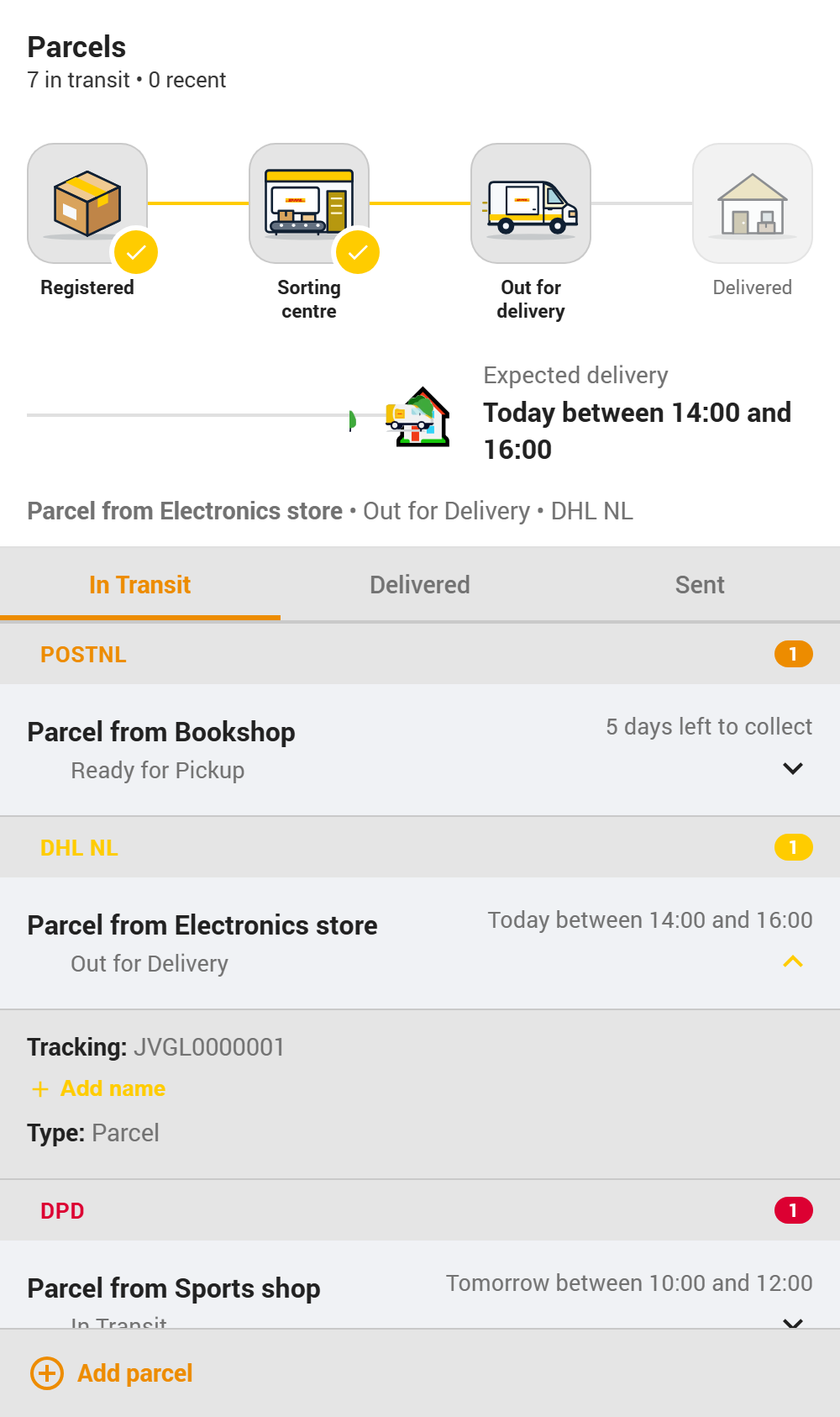
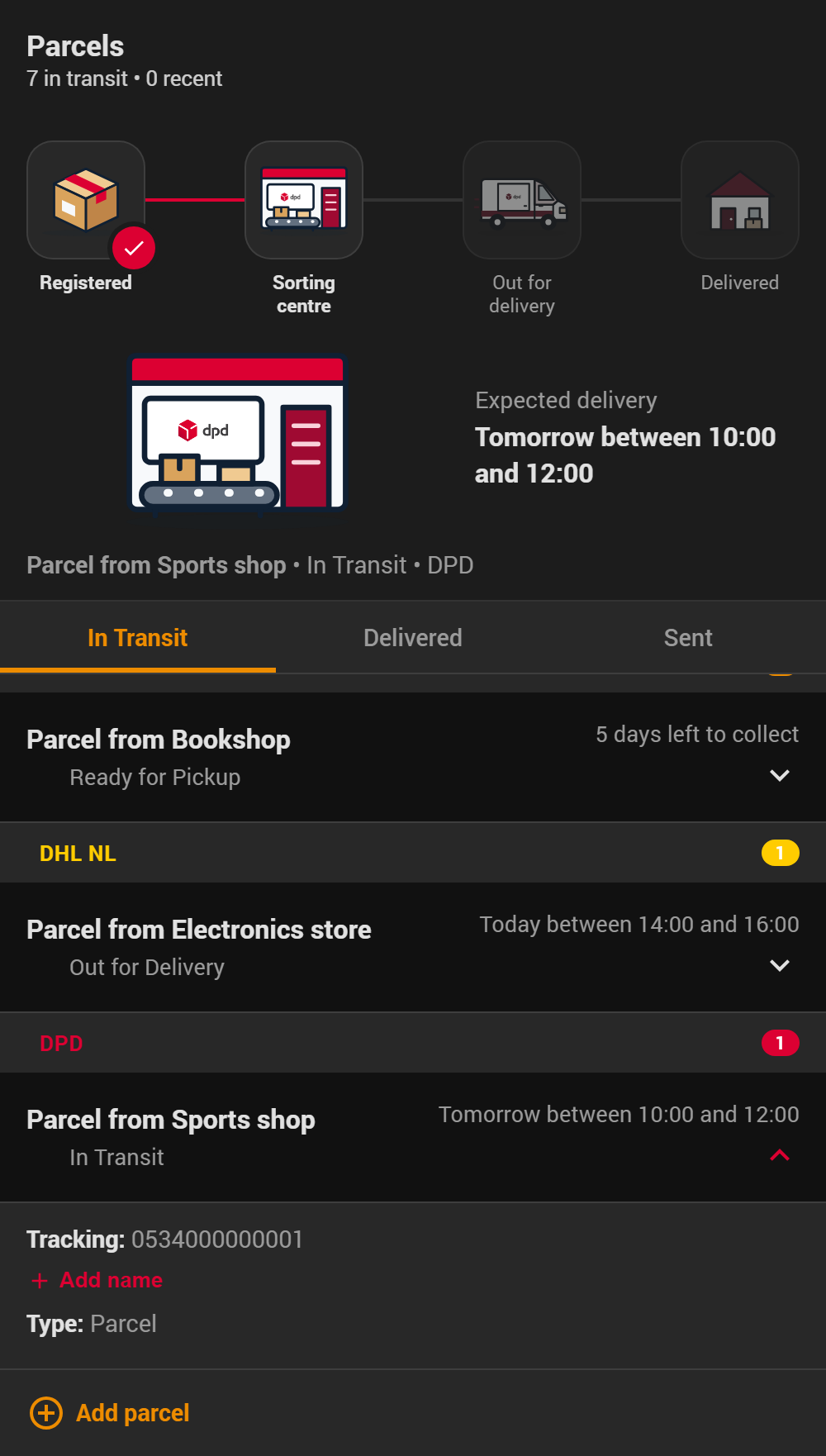
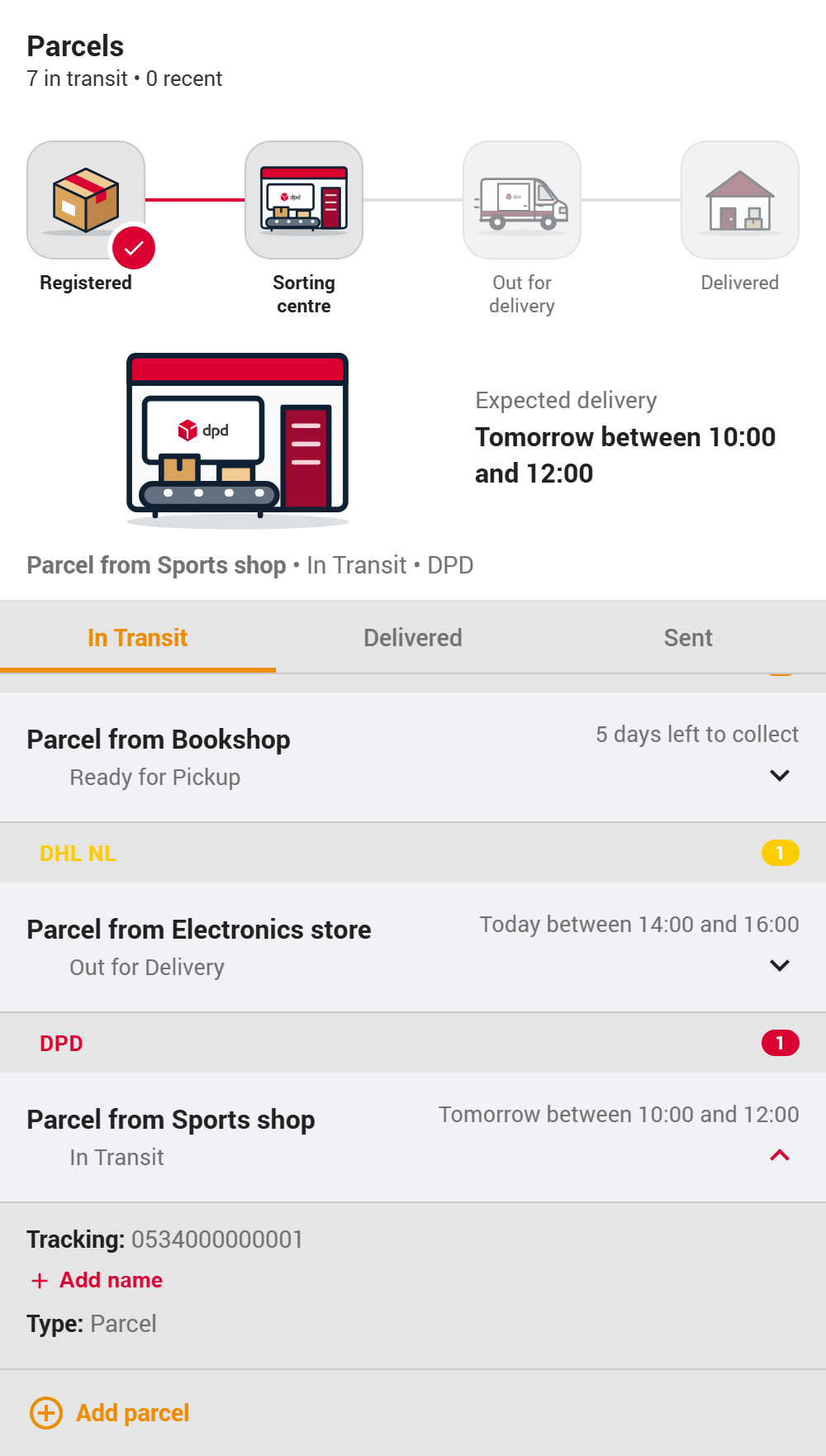
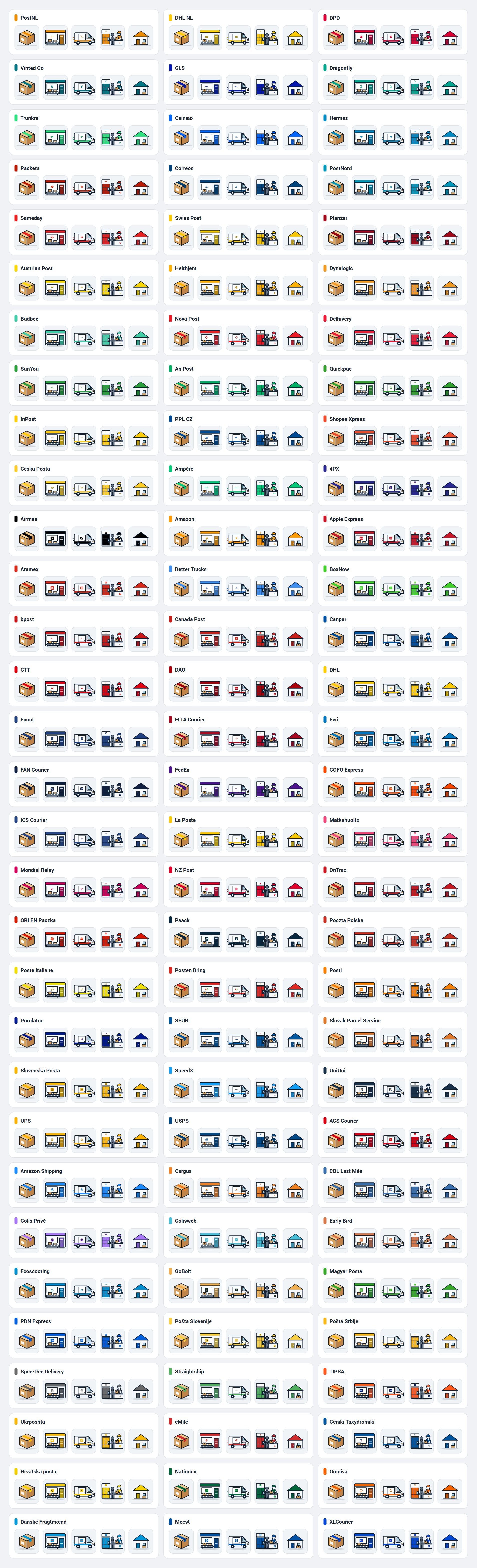
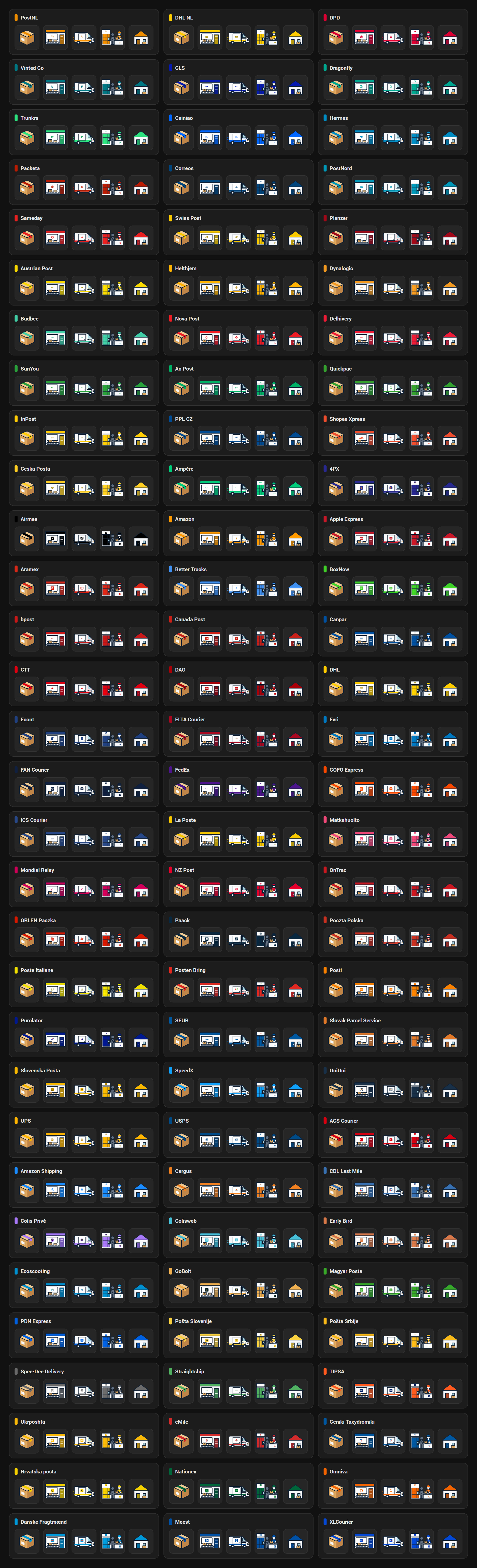
Delivery scenes — all 93 carriers
The five scenes (Registered · Sorting centre · Out for delivery · Pickup point · Delivered) for every supported carrier, in its configured colour and with its logo. Logos come from custom-brand-icons when it is installed, otherwise from the carrier's own artwork.
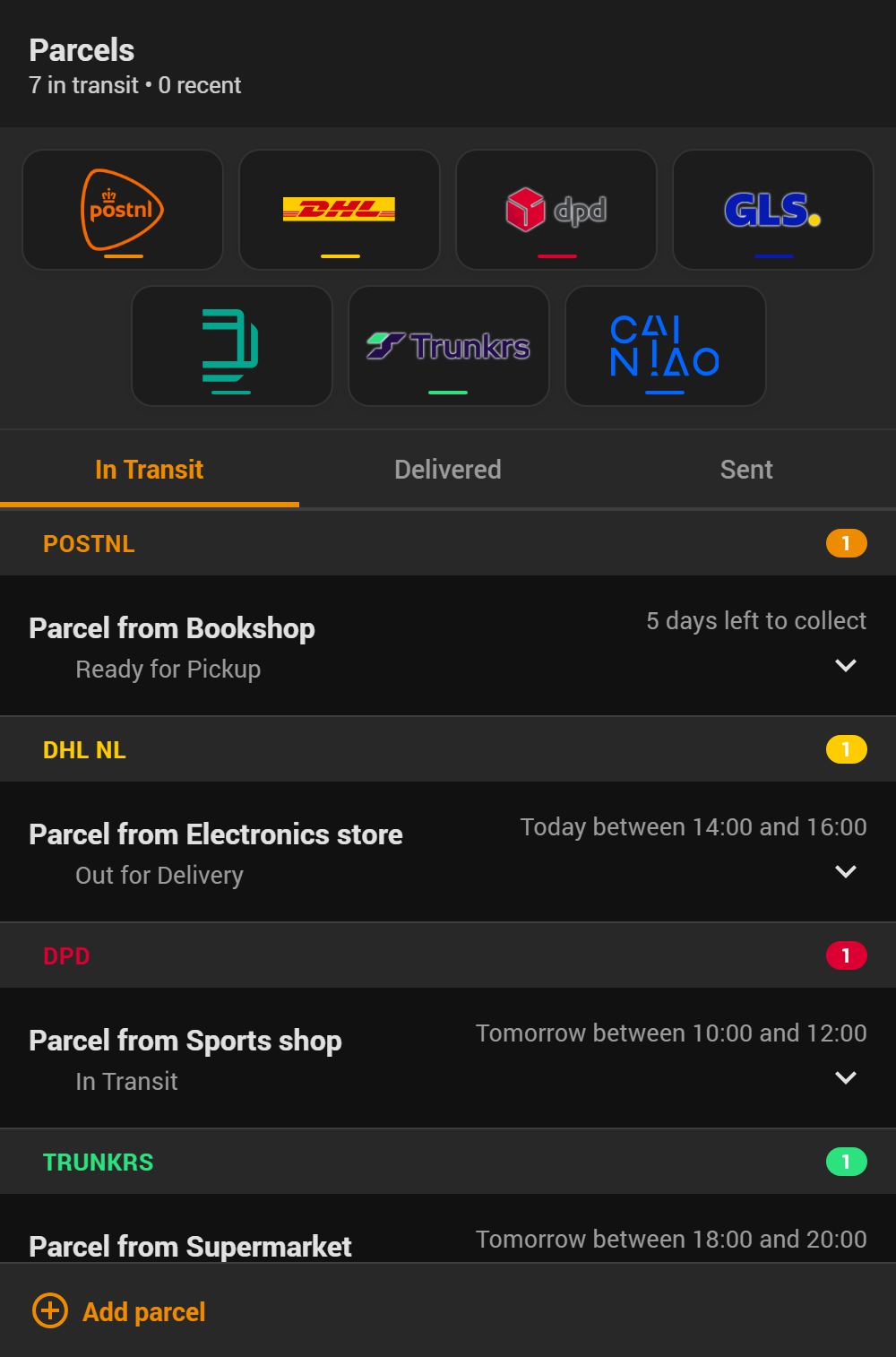
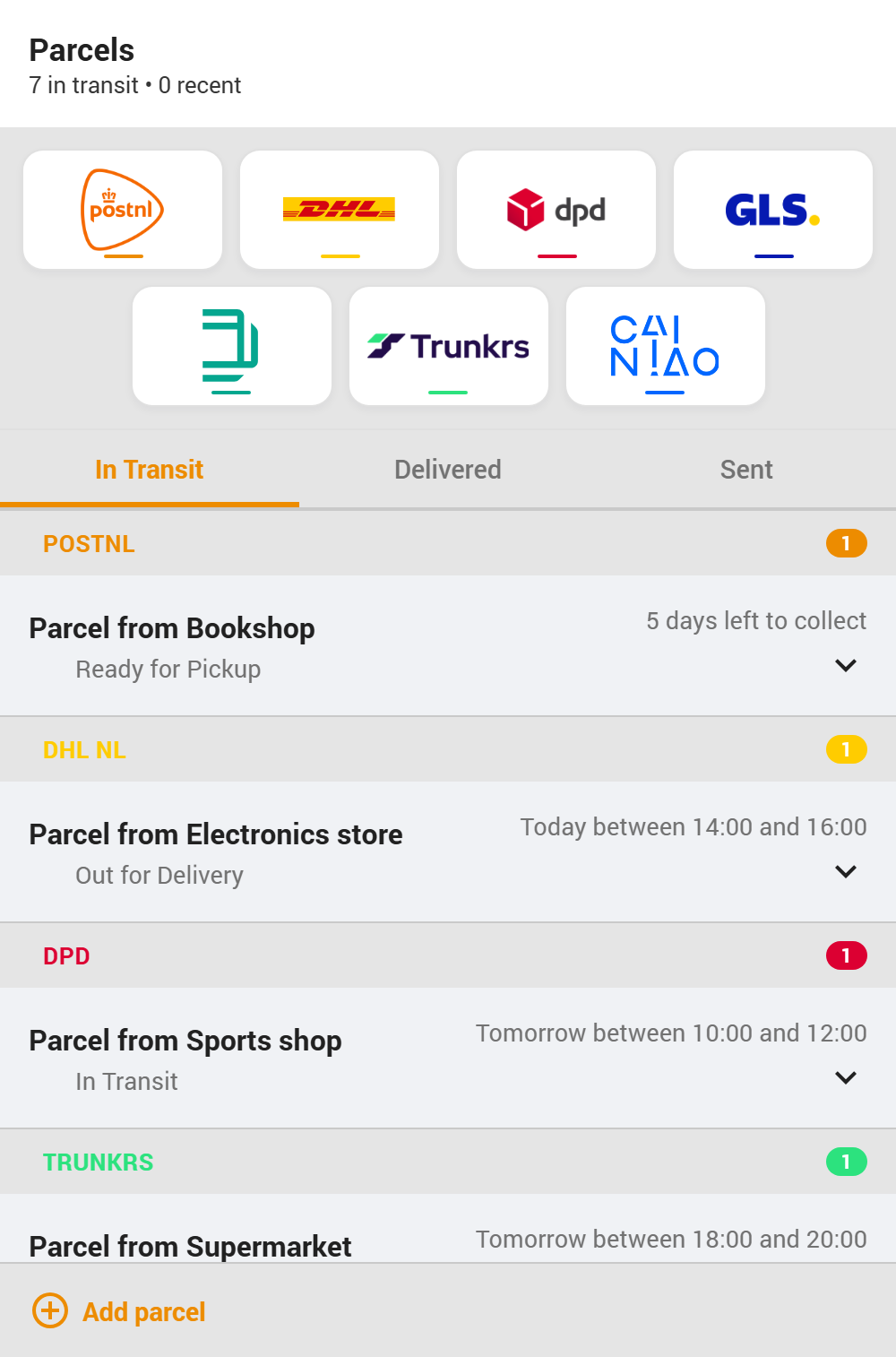
Combo banner — multiple carriers
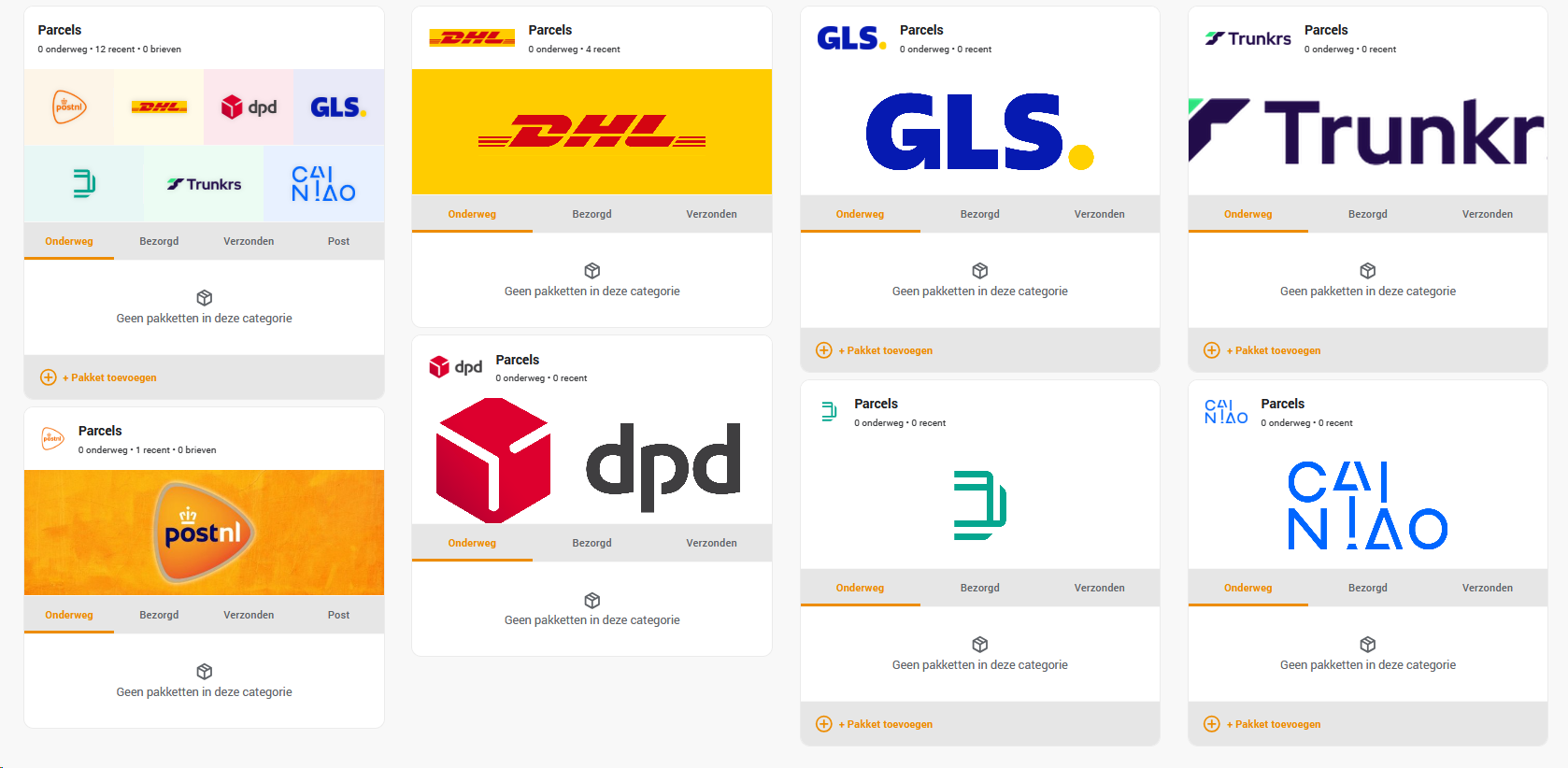
When two or more carriers are configured, the Studio banner shows just those carriers in equal-sized tiles, with up to four columns and a centred final row. Logo sizes follow offline content measurements; square integration icons have rounded corners. Tiles use the active Home Assistant card colour, including a dark background in dark mode. Dark wordmarks keep their original colours with a subtle light edge for readability. Existing single-carrier banners and custom placeholder images remain available.
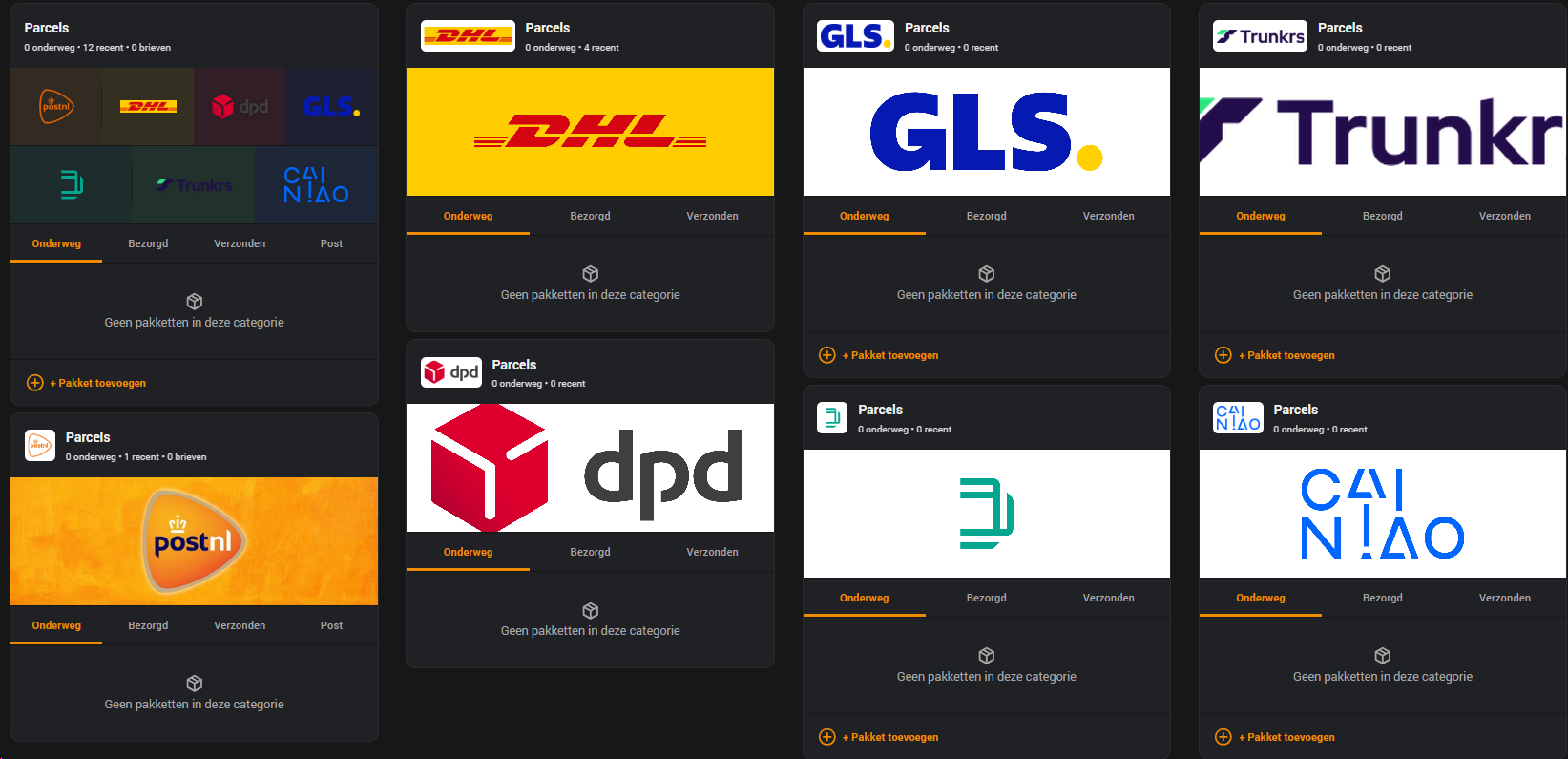
Full dashboard with every carrier's own tile alongside the combo banner (earlier beta):
Carrier overview popup
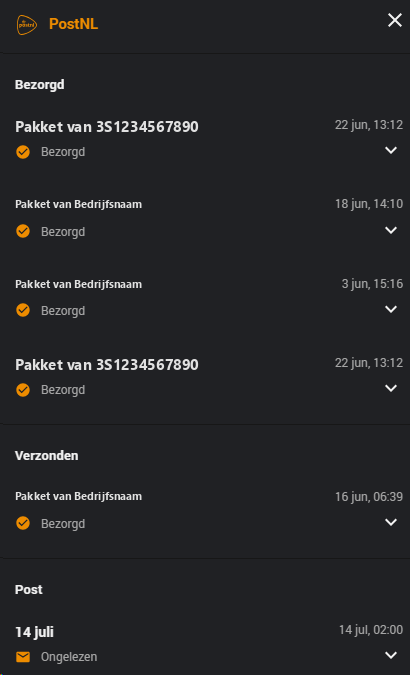
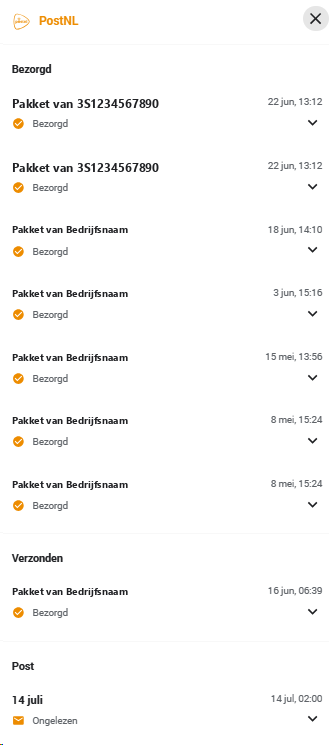
Click a carrier's logo in the combo banner to see every parcel and letter for that carrier — grouped by section (In Transit / Delivered / Sent / Post) — in one popup. Clicking an item expands its details in place.
Visual editor
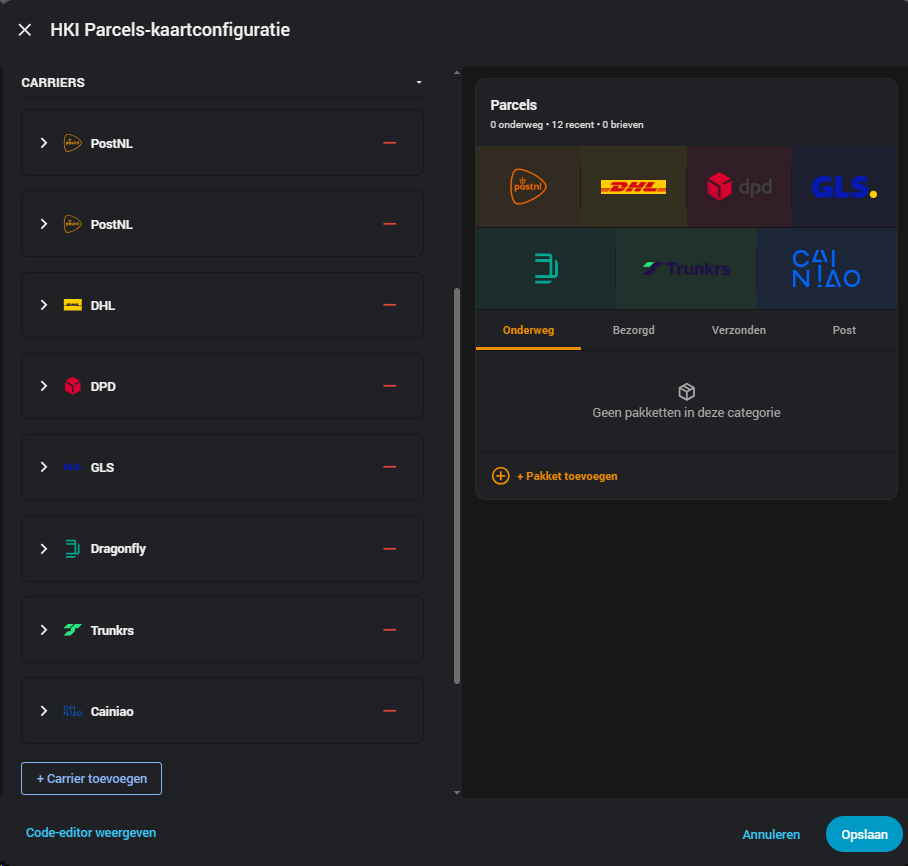
Full carrier list and live preview, side by side — no YAML required.